Wallet screenshots
A closer look at DueWallet.
Clean, fast and built for self-custody. Explore the key screens of the DueWallet app.
- Available now · APKDownload for Android
- Coming soonApp Store (iOS)
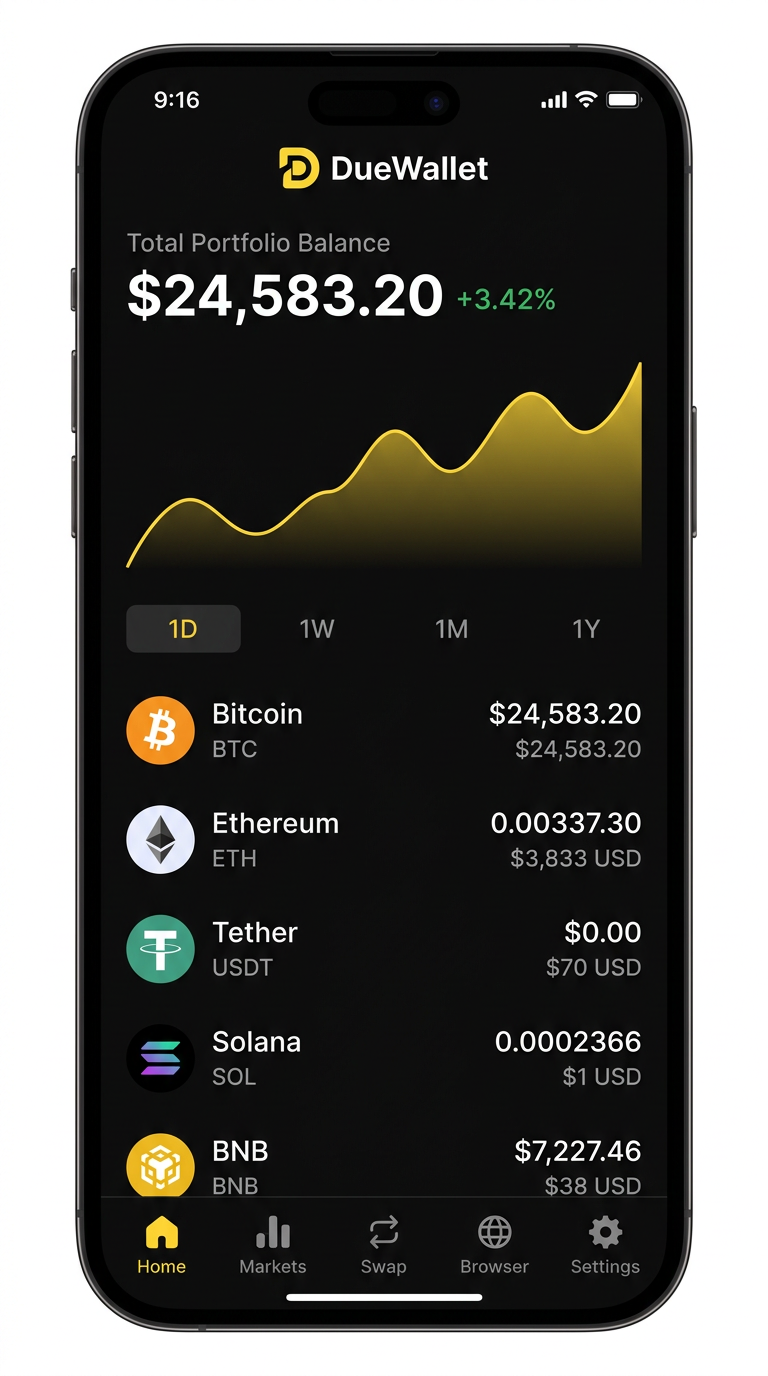
Screen 01
Portfolio
Your total balance, performance chart and every asset across every chain — in one view. Switch between 1D, 1W, 1M and 1Y to see how your portfolio is moving.
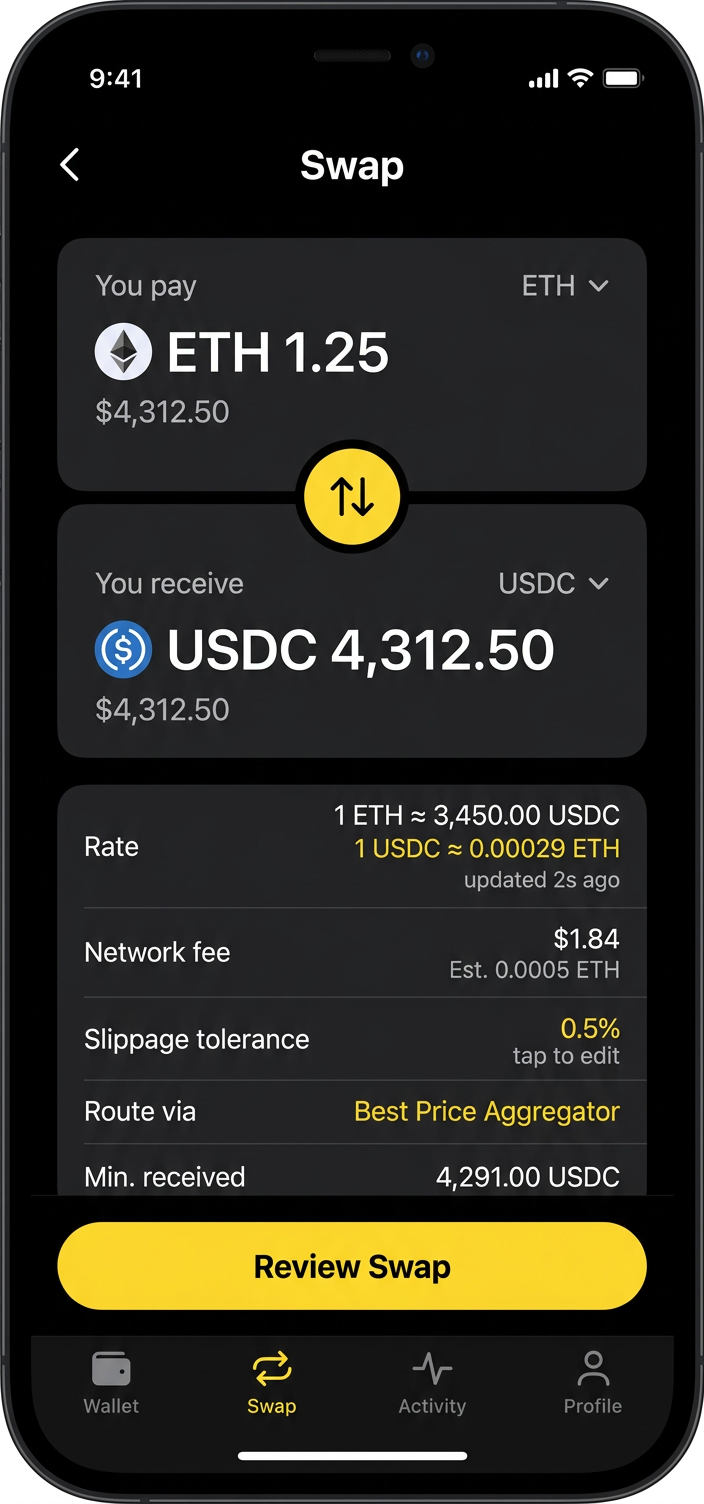
Screen 02
Swap
Trade any token for another with the best route across dozens of DEXs. Rate, network fee, slippage and minimum received are all shown before you review.
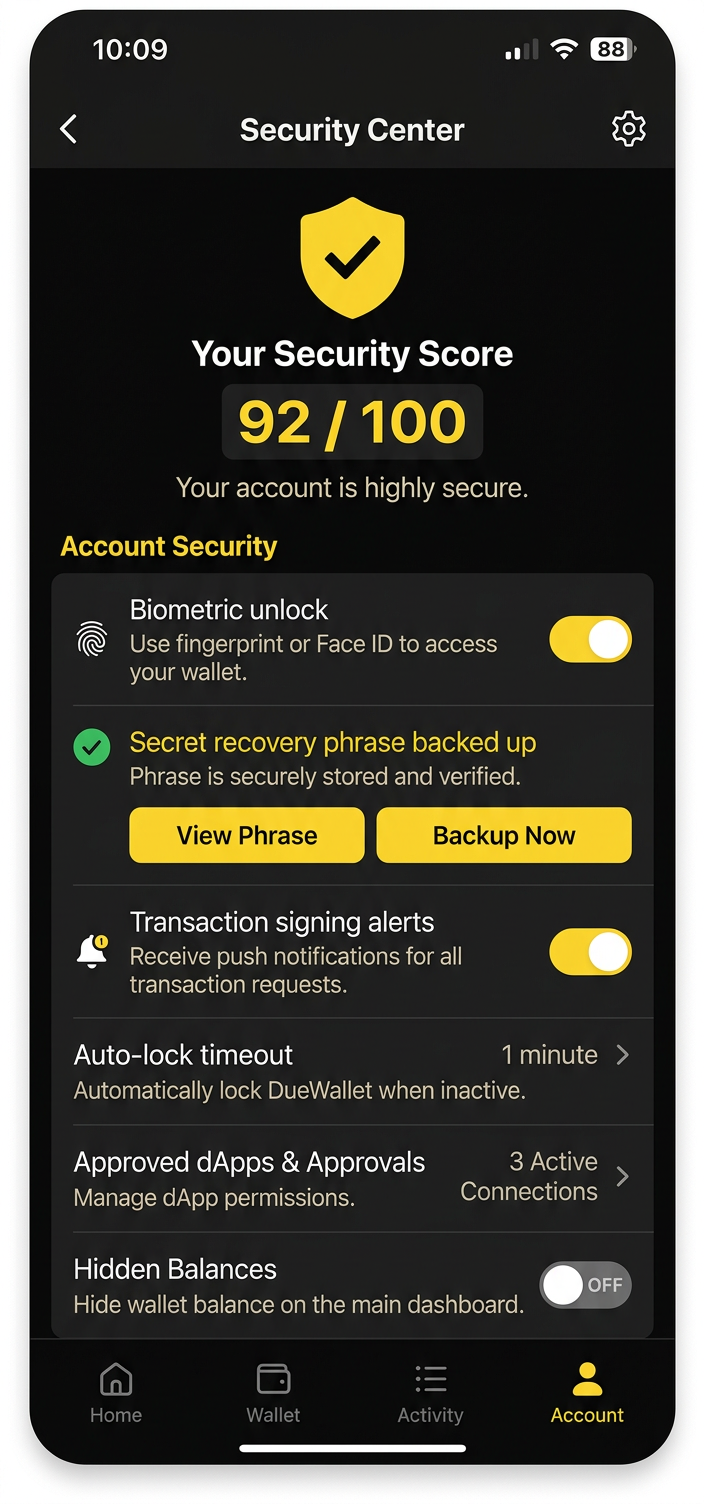
Screen 03
Security Center
A security score tells you how protected your wallet is. Enable biometrics, verify your backup, set auto-lock and manage dApp approvals.
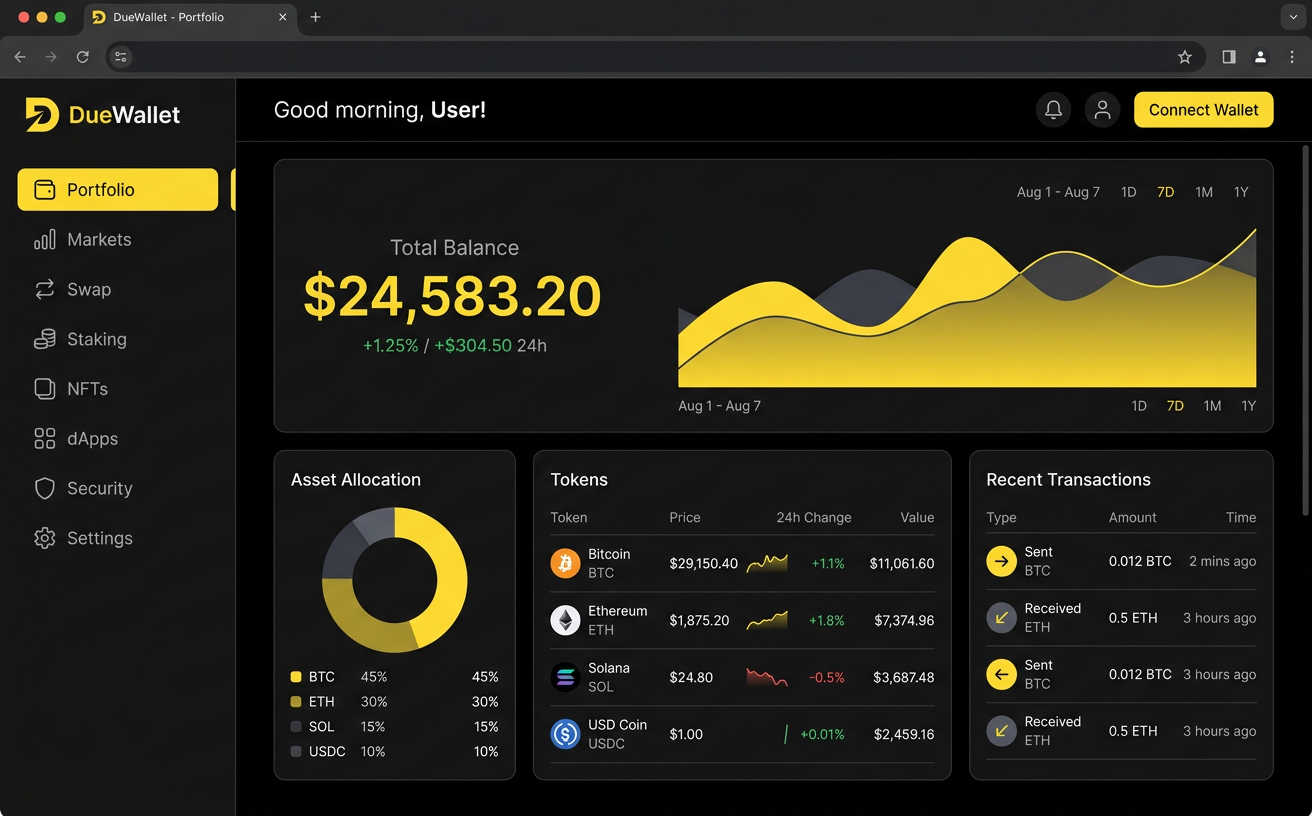
Desktop
Your dashboard on the big screen.
Connect DueWallet to desktop dApps via WalletConnect and track markets on any screen.
Take full control of your crypto today.
Create a DueWallet in under a minute. No sign-up, no email, no KYC to get started. Just you and your keys.