Download
Get DueWallet on your phone.
The Android app is available now as a direct download. The iOS app is coming soon to the App Store.
iOS
iPhone & iPad · iOS 15+
App Store — Coming soonOnly download DueWallet from this official page. We will never send you an APK by message or email.
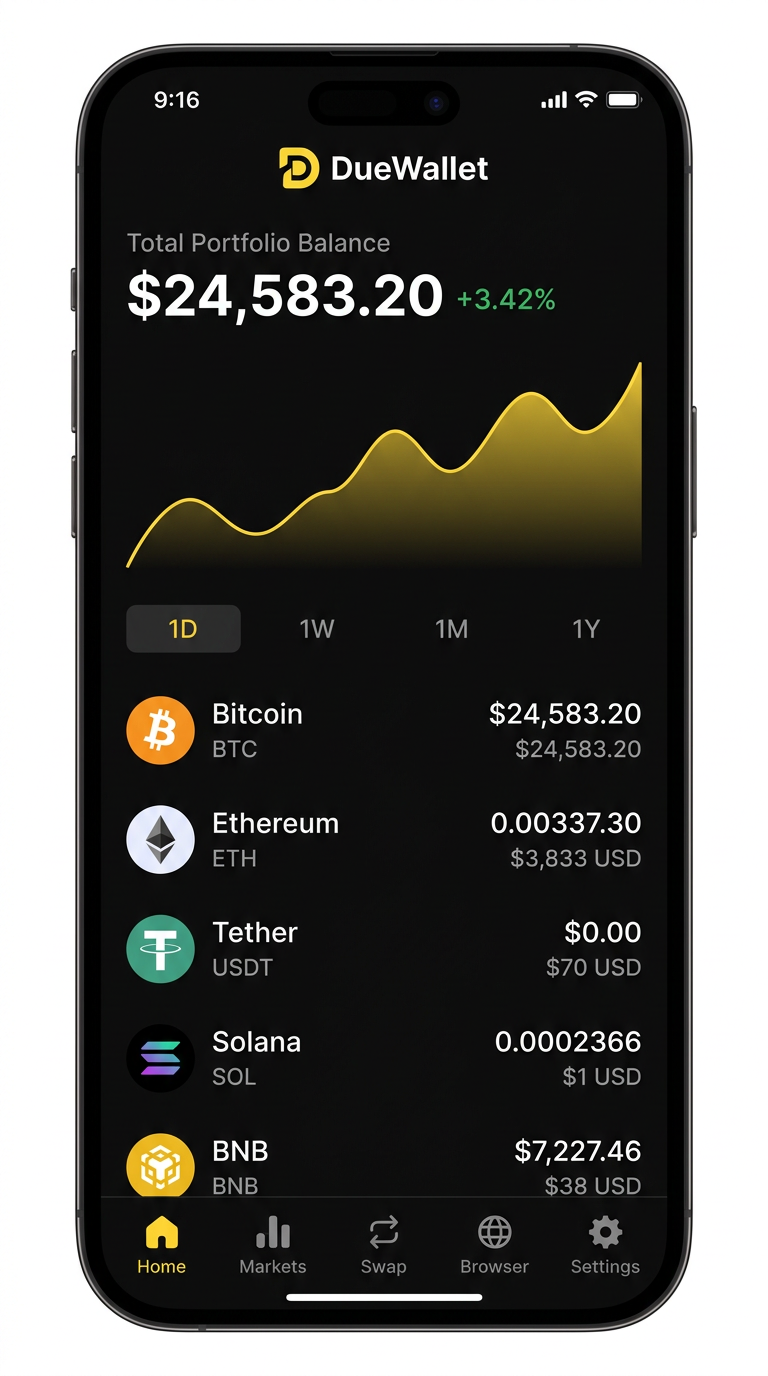
Install guide
How to install DueWallet on Android
Installing an APK takes about a minute. Follow these steps the first time you install.
- 1
Download the APK
Tap "Download for Android" below. Your browser will save duewallet-android.apk to your Downloads folder.
- 2
Open the file
Open the notification or go to Files > Downloads and tap the DueWallet APK.
- 3
Allow this source
If prompted, tap Settings and enable "Allow from this source" for your browser or file manager. This is only needed once.
- 4
Install
Return and tap Install. Android will verify the package and install DueWallet in a few seconds.
- 5
Open DueWallet
Launch the app and choose "Create a new wallet" or "I already have a wallet" to import.
- 6
Back up your recovery phrase
Write your 12 words on paper, in order, and store them somewhere safe and offline. Then verify them in the app.
- 7
Secure the app
Set a 6-digit PIN and enable fingerprint or face unlock. You are ready to receive, buy and swap crypto.
System requirements
| Platform | Status | Requirement | Size |
|---|---|---|---|
| Android | Available now | Android 8.0+ | ~60 MB |
| iOS | Coming soon | iOS 15+ | — |
Stay safe when installing
- Only download from duewallet.com/download
- Never install DueWallet APKs shared over Telegram, WhatsApp or email
- Turn "Install unknown apps" back off for your browser after installing, if you prefer
- DueWallet will never ask for your recovery phrase — not during install, not ever
Download FAQ
Why is DueWallet an APK instead of Google Play?
We distribute the Android app directly so you can get updates immediately. A Google Play listing is planned.
Android says the file may be harmful. Is it safe?
Android shows this warning for every app installed outside Google Play. If you downloaded from this official page, it is safe to continue.
How do I update the app?
DueWallet notifies you in-app when a new version is ready. Download the latest APK here and install it over the existing app — your wallet stays intact.
When is the iOS app launching?
iOS is in final testing and is expected on the App Store soon. Follow our blog and socials for the launch announcement.
Can I use the same wallet on Android and iOS?
Yes. Import your recovery phrase on any device to access the same wallet.